
1. Open your image;
2. Open the action (for that go to: Window / Actions, click on menu icon at the right and choose in list "Load Actions..."
then find the action on your computer and open it;
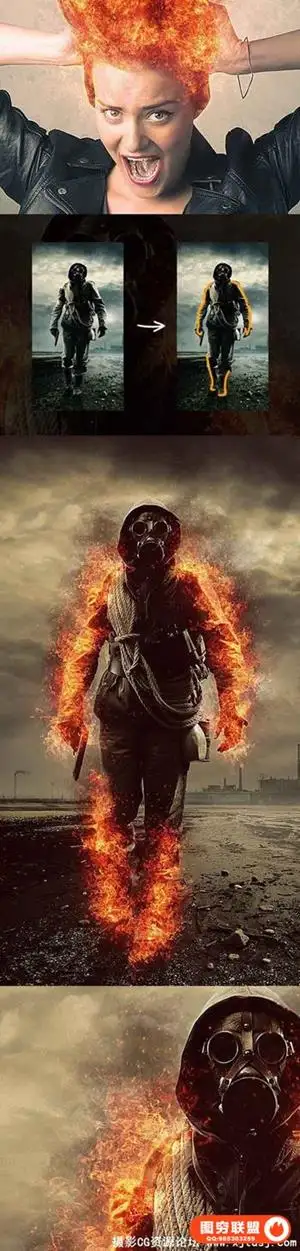
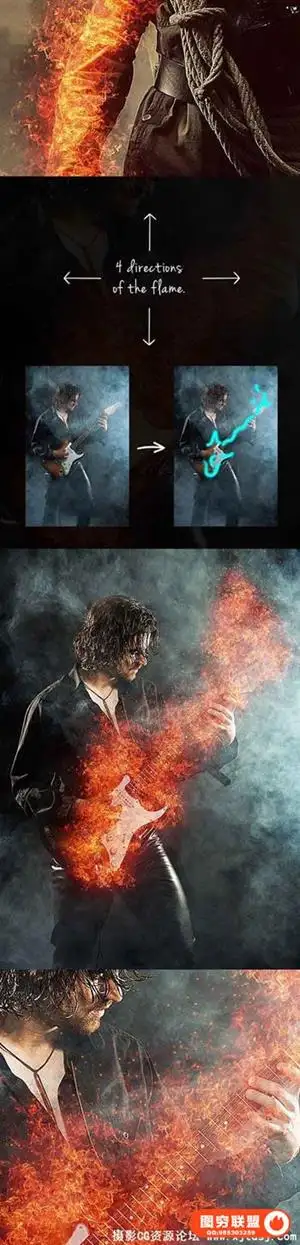
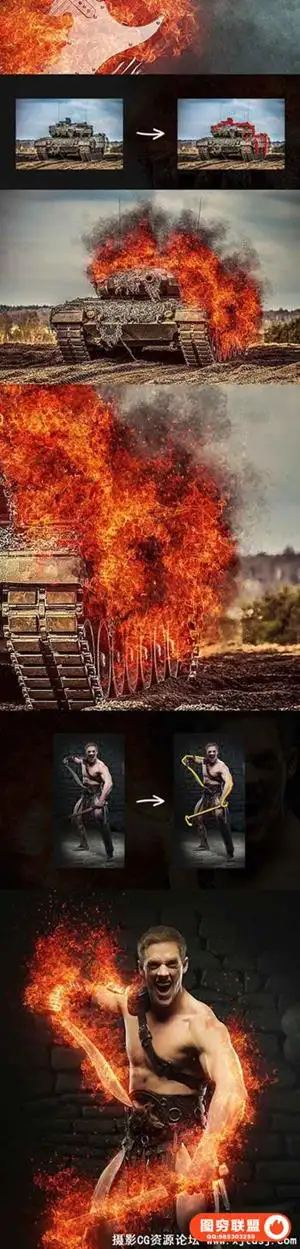
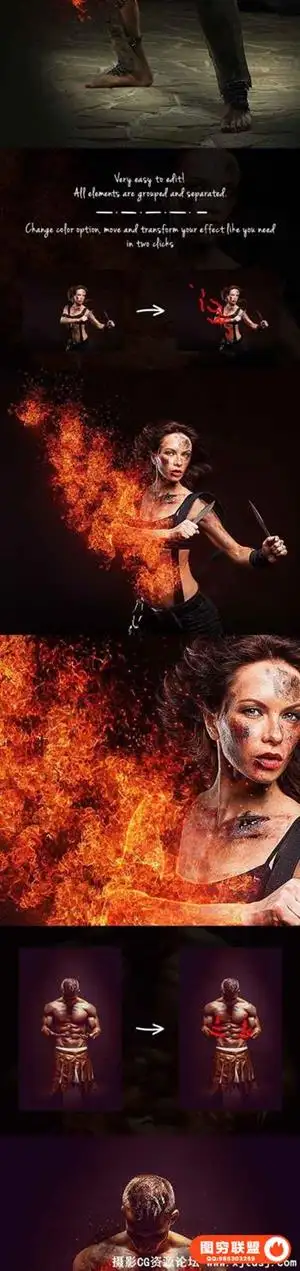
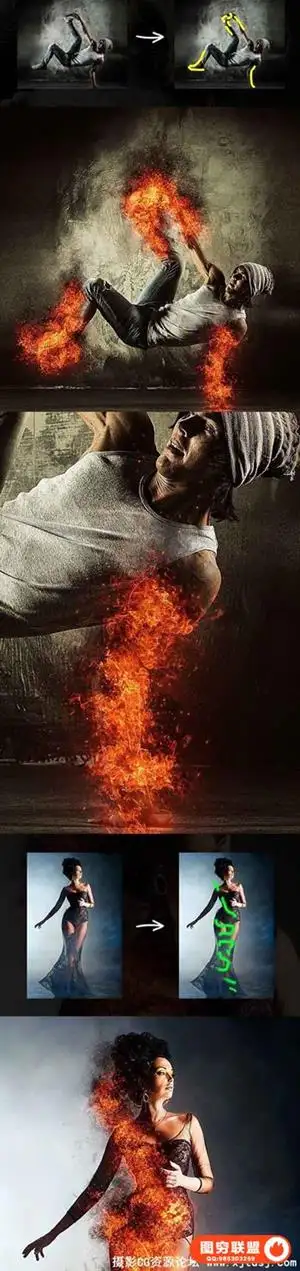
3. Create a new layer and name it "area" (do not use CapsLock);
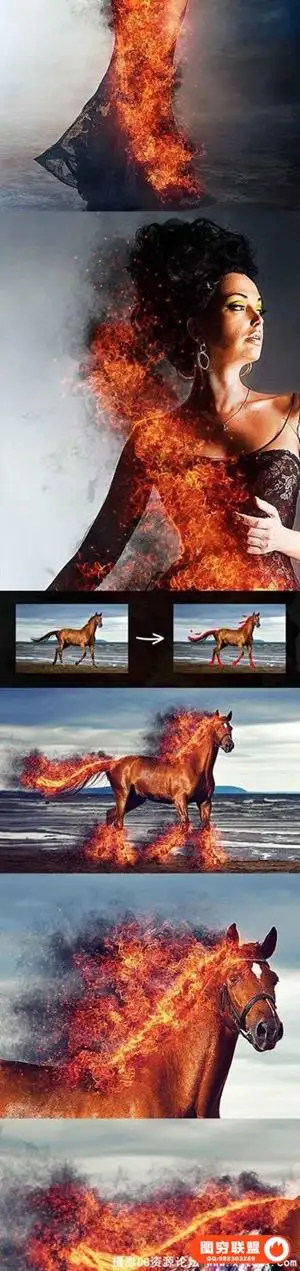
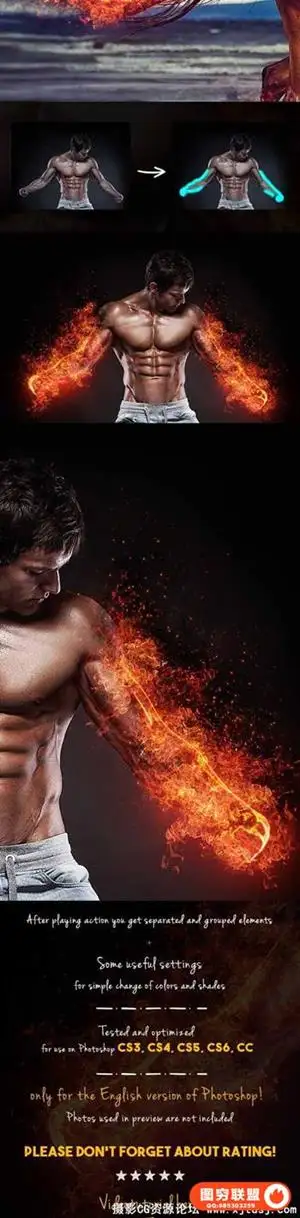
4. Paint on this layer the area that you need to focus (you can use any colors);
5. Find action on the action list then open it and click play;
6. Wait a few minutes that Photoshop make all actions (speed of action work depends of the power of your computer);
7. Then change the colors and contrast if you need (you can also change the background color);
8. Ready! just save.
1.打开你的图像;
2.载入动作;
3.创建一个新层,命名为"area"(不要使用大写字母);
4.你需要使用特效的使用笔刷涂抹(你可以使用任何颜色);
5.找到动作,点击播放;
6.等待几分钟,PS图象处理软件使所有行动(行动的工作速度取决于您的计算机的电源);
7.然后改变颜色和对比度如果你需要(你也可以改变背景颜色);
8.准备好了!只是保存.
Photoshop, 视频教程



本站资源仅供研究、学习交流之用,若使用商业用途,请购买正版授权,否则产生的一切后果将由下载用户自行承担。